


A free ecommerce starter theme
Skeleton is a free ecommerce starter theme for UltraCart StoreFronts: a complete, minimal store with a clear grid layout and plain, readable typography. You get a working shop, checkout, and account area on day one, then change the colors, fonts, and sections in the Visual Builder without writing code.
Skeleton is quiet on purpose. It stays out of the way so your products, your photos, and your voice are the loudest things on the page.
What's in the theme
The Skeleton theme page lists everything included. The parts you will use first:
- Shop-by-category tiles: send shoppers straight to Clothing, Footwear, or whatever your catalog calls for.
- Product grid with quick view: shoppers see price and options without leaving the page.
- Trust band: a ready-made strip for shipping, returns, and support promises.
- Wishlist, product reviews, and blog: the pieces that bring shoppers back are already in place.
- Newsletter signup and social links: collect emails and point to your channels from the first day.
- Built for phones: mobile-friendly layouts, responsive image sets, and search engine friendly markup.
Checkout, My Account, and your transactional emails are part of the theme too, so the whole path from first visit to order confirmation looks like one store. See the full StoreFronts feature list for everything that runs underneath.
The preview shows a sample shop, Starter Supply Co., with clothing, footwear, and watches. Open the live Skeleton preview and click around before you decide.
Clean layouts, front to back
A starter theme earns its keep on the pages shoppers use after the homepage. Skeleton gives the whole journey the same quiet, readable layout, from the product list to the account area.
Product lists and pages that sell
Category pages show products in a clean four-column grid: square photo, name, and price, separated by thin rules. A product page keeps to the same plain structure with a large photo, a readable description, size options, a quantity field, one Add to Cart button, an Add to wishlist link, and a Related Items row underneath.
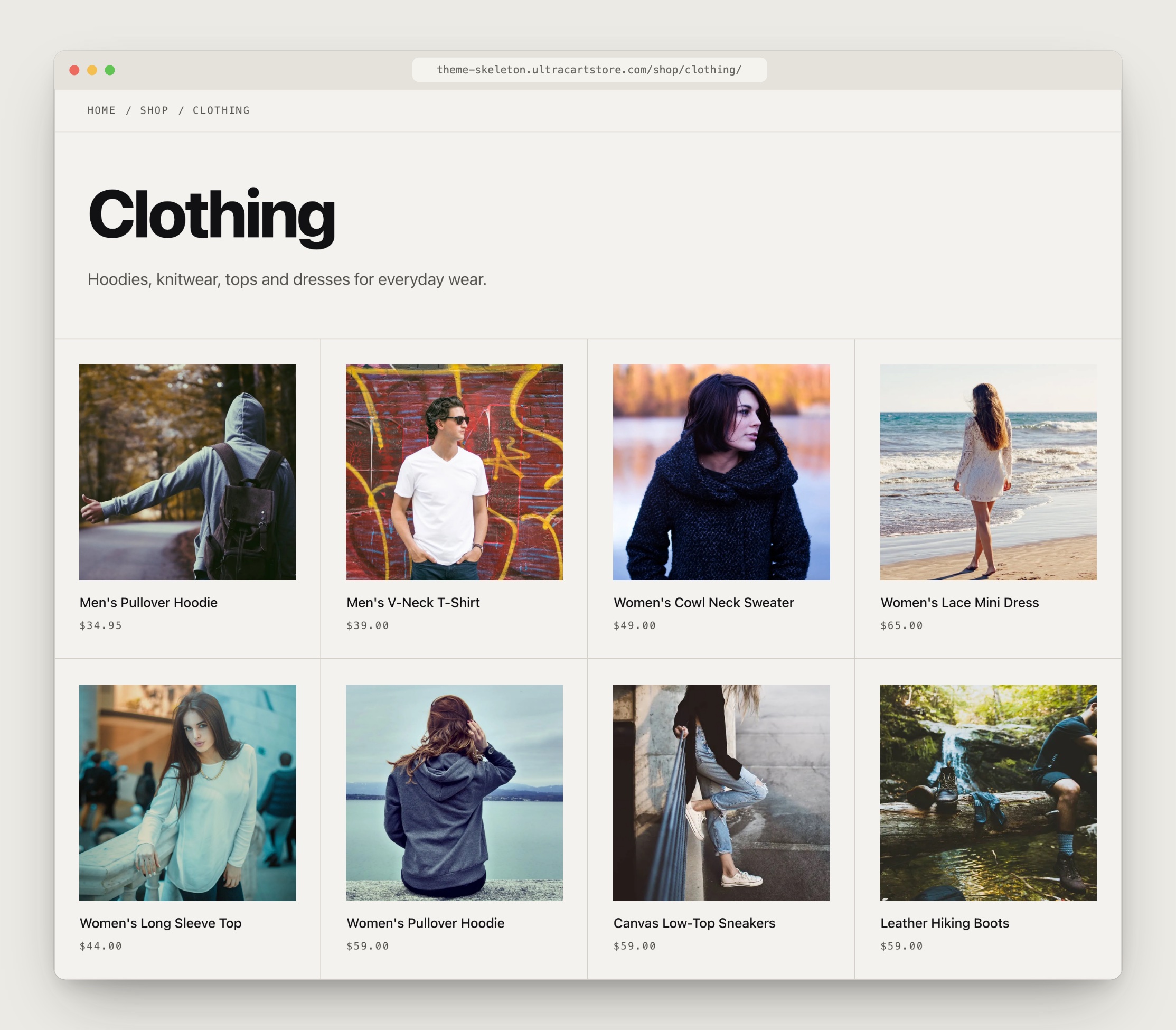
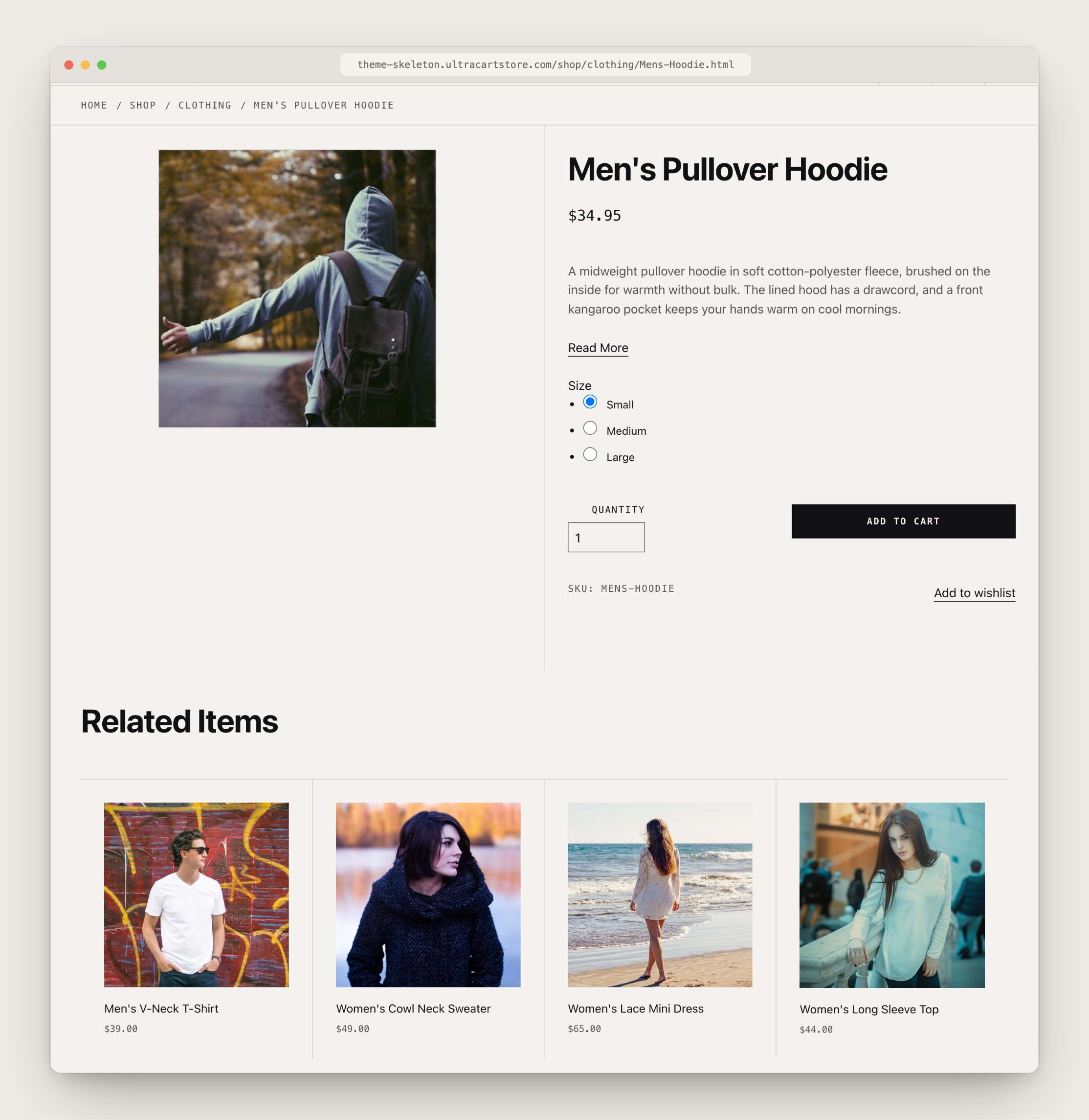
The preview ships with a small sample catalog. For these screens we added a few more sample products to the grid and the Related Items row so you can see a fuller store.
A cart that nudges toward checkout
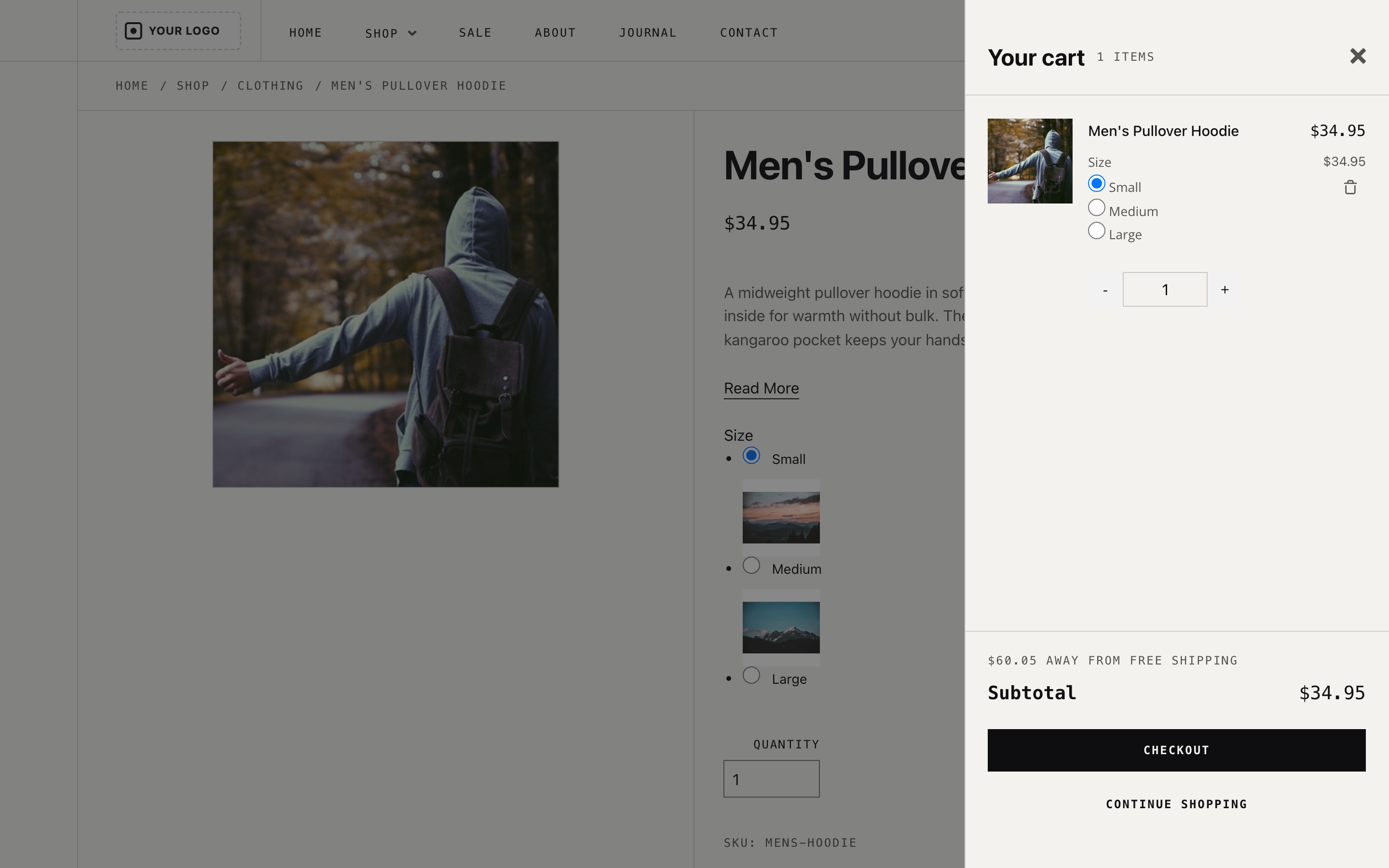
Adding a product opens a slide-out cart with the item, a quantity stepper, a running subtotal, and one clear Checkout button. If you offer free shipping over a threshold, the drawer shows how far the shopper is from it.
One-page checkout
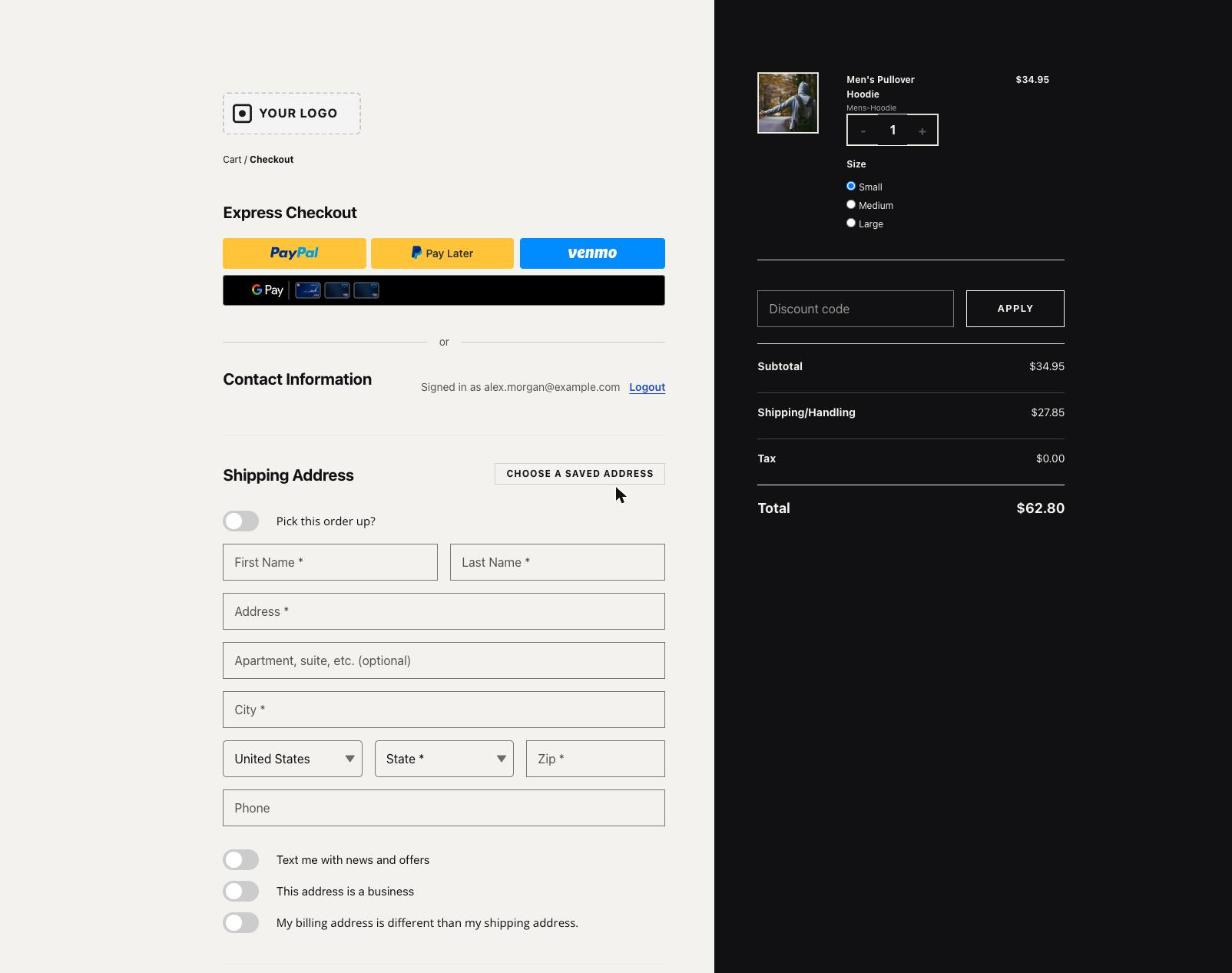
Checkout is a single page: express payment buttons at the top when you have them enabled, contact information, a shipping address, and a dark order summary beside it with a discount code field and clear totals. Nothing on the page competes for attention.
An account area that answers questions
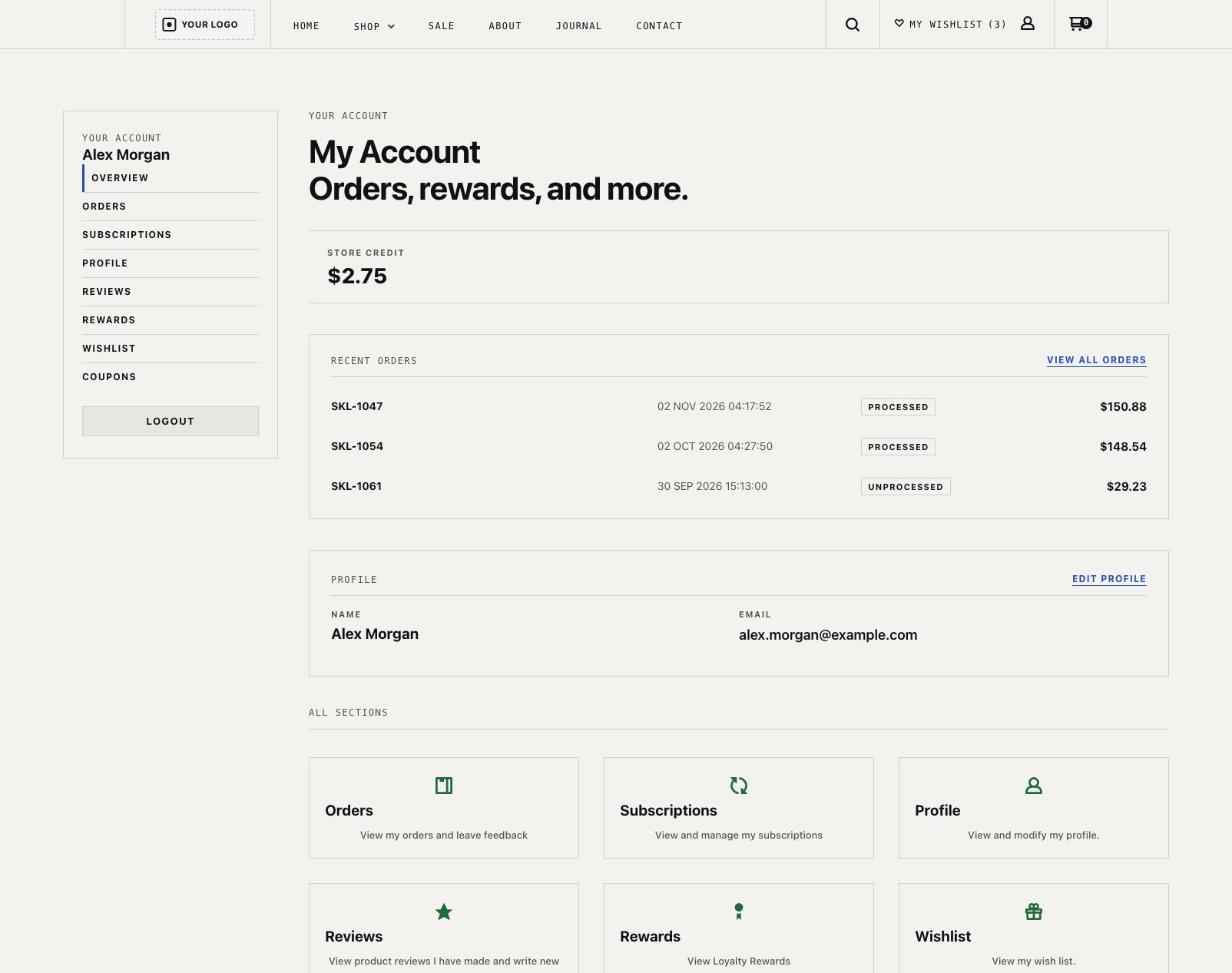
My Account opens with store credit, recent orders with plain status labels, and a tile for every section: Orders, Subscriptions, Profile, Reviews, Rewards, and Wishlist. Each page uses the same big headline and ruled layout, so shoppers always know where they are.
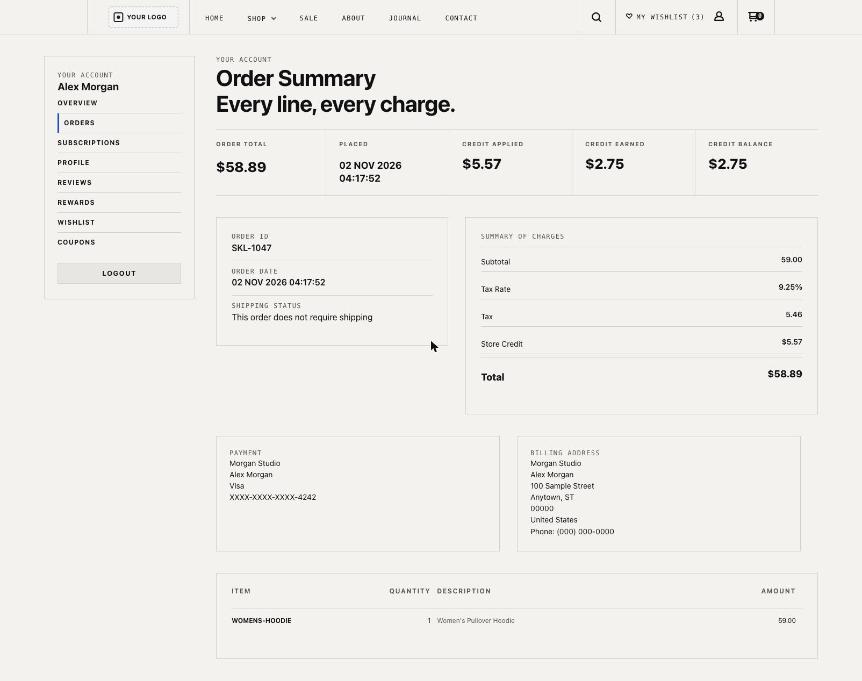
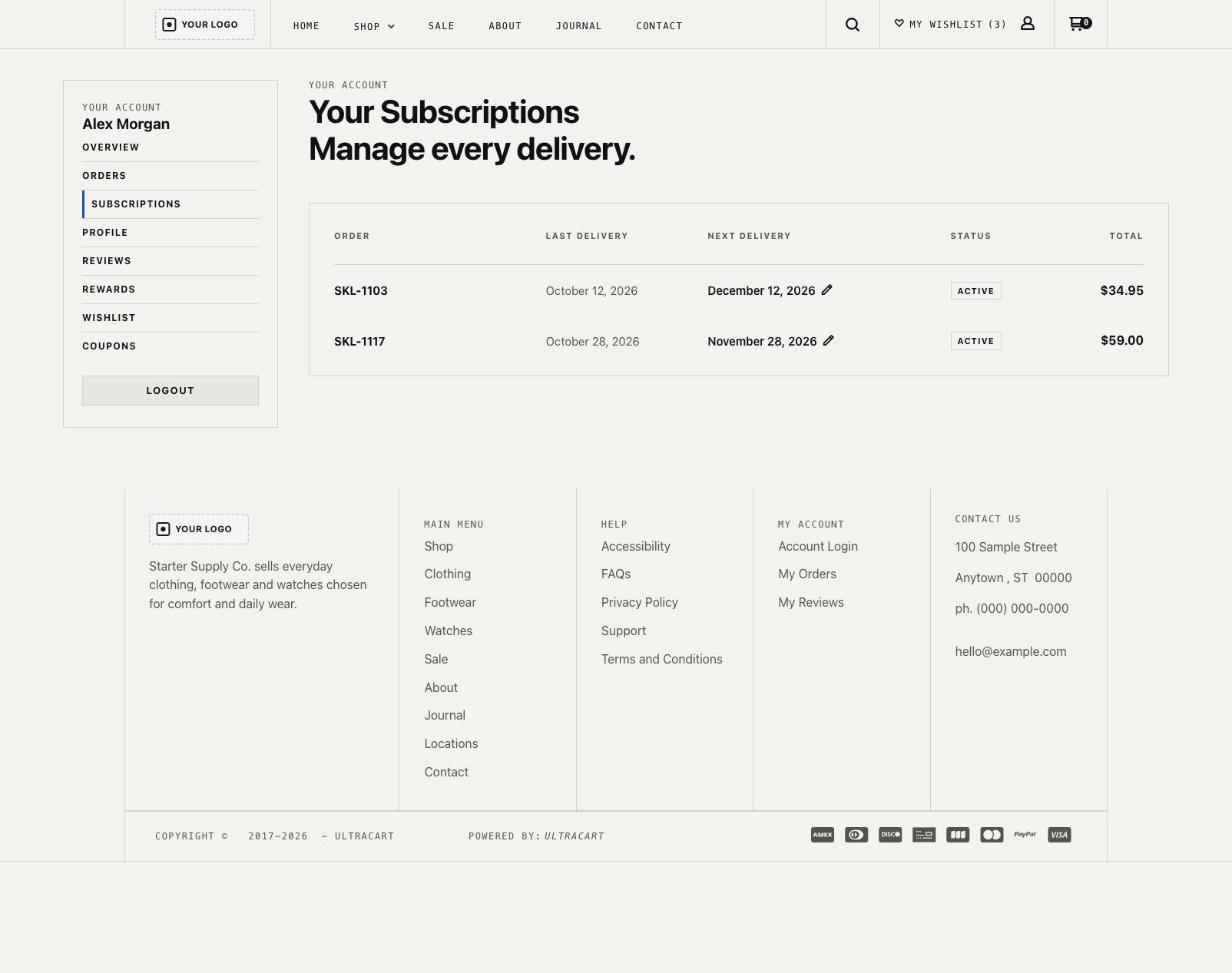
Open any order and you get "Every line, every charge": totals at the top, a summary of charges, payment and billing details, and each item below. Subscriptions list the last and next delivery with a pencil to edit, and the Rewards page shows balance, expiring rewards, and history.
These screens come from the Skeleton preview with sample customer details, so you see what your shoppers would see.
Built for phones
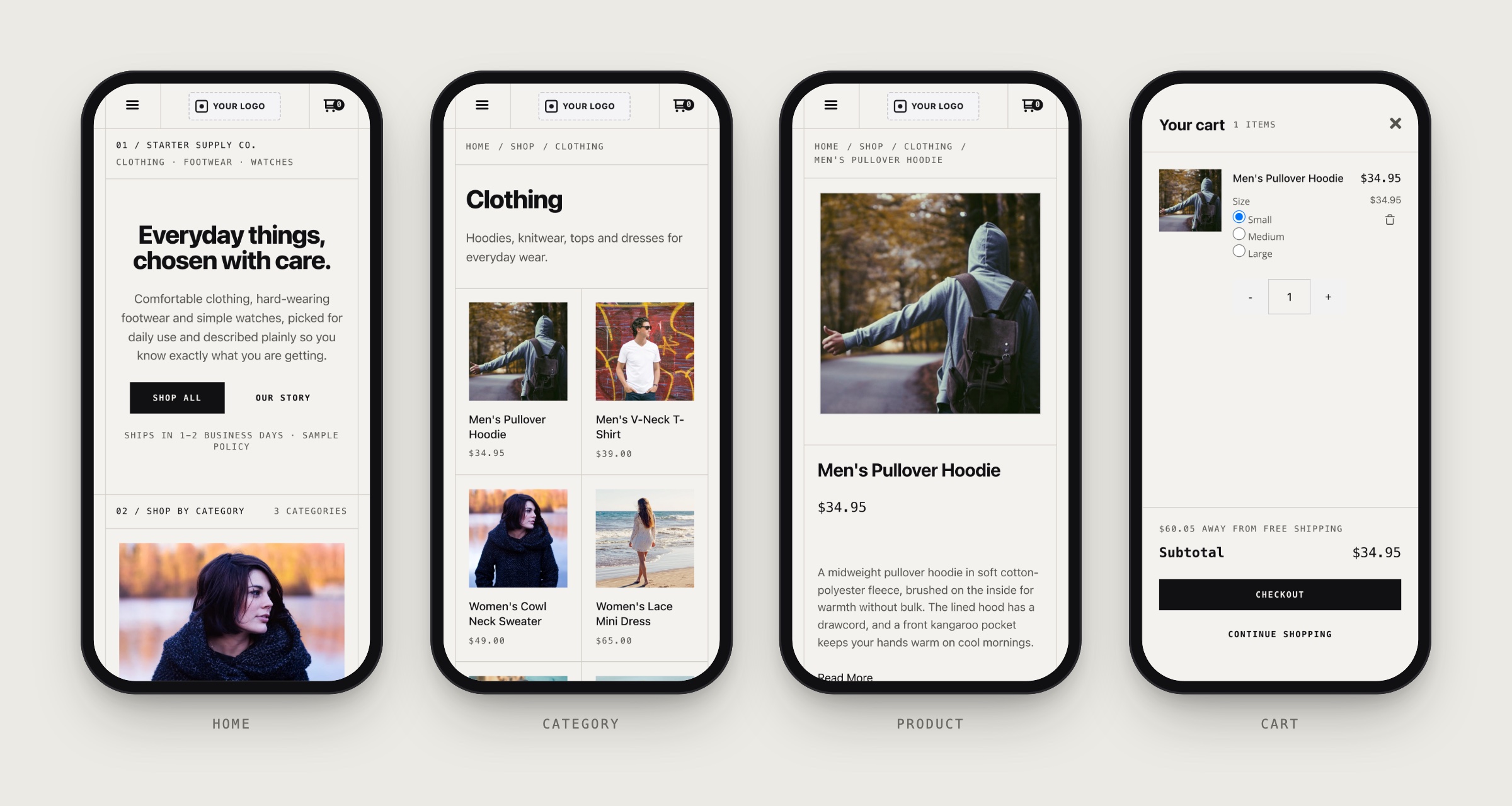
Shoppers on a phone get the same layout, reflowed rather than shrunk. The header collapses to a menu button, logo, and cart. A slide-out menu opens with search and the full navigation. Categories and products sit two across, the product page stacks into one column with a large photo, and the cart opens as a full-screen drawer with a Checkout button that is easy to reach with a thumb.
One layer of lines
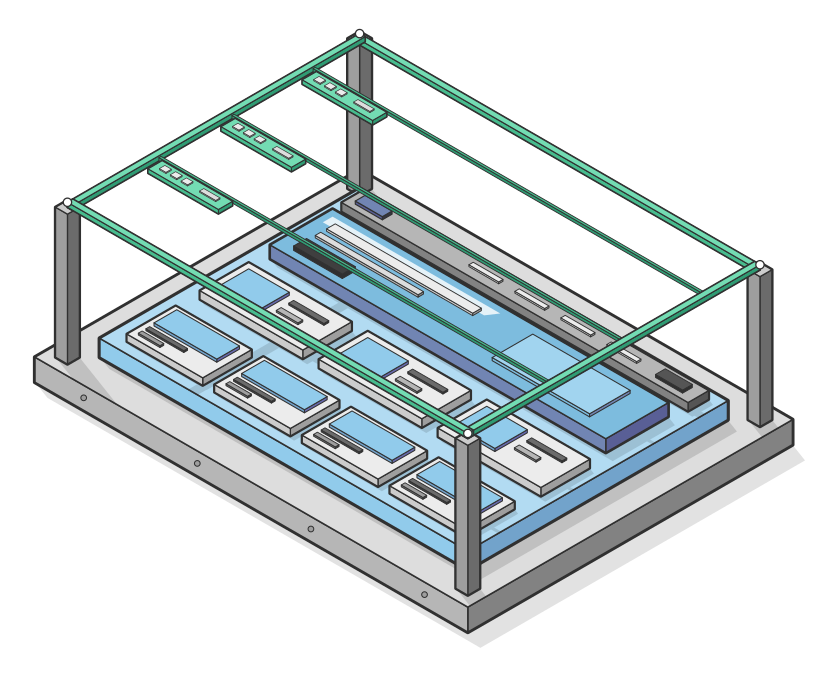
Skeleton gets its structured look from thin hairline rules and numbered section strips such as "01 / Shop by category". Those lines come from a single layer. Switch the line width to zero and every rule disappears while nothing on the page moves.
That matters when you are making the theme your own. Keep the ruled, editorial look if it suits your brand, or turn it off for a softer feel. Either way, your layout stays put and you are not hunting through sections to remove borders one at a time.
Colors and fonts by role
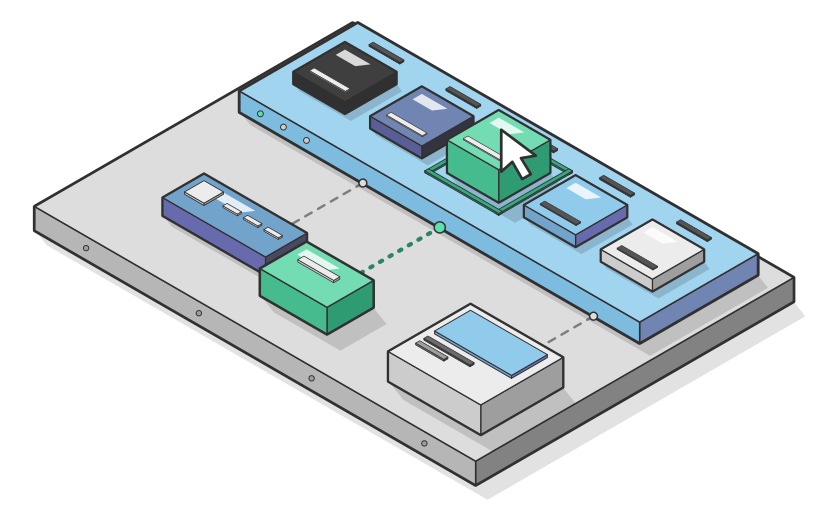
Skeleton names its colors by what they do, not by a number you have to look up. It has 22 color roles, plus body and heading fonts and overlay colors. Each role describes a job, such as text, buttons, or page backgrounds.
Change a role once and every header, button, and product card that uses it updates together. A customizable storefront theme only works if you can predict what a change will do, and named roles make that easy to predict.
Who should start here
Skeleton fits any merchant who wants a minimal ecommerce theme without a blank page. Three groups tend to get the most from it:
- New stores: launch on a finished layout, then grow into it. Everything you need to take an order is already connected, so your first week goes to products and photos, not plumbing.
- Brands with a strong look: bring your own colors, fonts, and imagery to a neutral base and the result looks like you, not like a template.
- Teams with a developer or an agent: a plain structure with named parts is easy to extend, review, and hand off.
If you are comparing options, browse the full StoreFronts overview to see how themes, checkout, and the Visual Builder fit together.
Starter theme for AI agents
The same clarity that helps you helps an AI coding agent. The StoreFront Agent Toolchain lets an agent such as Claude Code or Codex build and edit a live UltraCart storefront with real widget IDs and validated writes. It is in private beta, and you can request access on the toolchain page.
Skeleton is the kind of base that kind of work needs:
- Predictable structure: a plain grid with named sections gives an agent clear places to edit.
- Safe style changes: color and font roles mean "make the buttons green" is one change, not forty.
- Easy to undo: the ruled layer, the sample content, and the colors can all be switched back without side effects.
- A working starting point: the sample content is meant to be replaced, so the agent starts from a store that already runs.
In our own testing, the toolchain took forty merchant requests end to end on a test storefront, from adding a headline to running an A/B test and restoring the page exactly. To see how AI is changing the way shoppers find and buy, read our guide to agentic commerce for merchants.
Make it yours in three steps
- Start with the theme. Choose Skeleton on the theme page and apply it to a StoreFront. It costs nothing to begin, and you can see it working before you change a thing.
- Replace the sample content. Swap Starter Supply Co. for your products, category tiles, and trust band promises. The sample copy is plain on purpose, so it is easy to spot and replace.
- Set your roles. Pick your colors and fonts in the Visual Builder, then adjust sections and layouts. Run an A/B test on your new homepage headline once it is live.
Prefer to hand the build to an agent? Start from the same theme, then request access to the toolchain.
Skeleton theme FAQ
What is the Skeleton theme?
Skeleton is a free, minimal starter theme for UltraCart StoreFronts. It includes a clean grid layout, shop-by-category tiles, a product grid, and a trust band, and you customize it in the Visual Builder.
Is Skeleton really free?
Yes. Skeleton is a free StoreFronts theme. You still need an UltraCart account, and you can see current UltraCart pricing before you start.
Do I need to code to change it?
No. Colors, fonts, layouts, and sections all change in the Visual Builder. Developers can also work in the theme files directly, and the UltraCart documentation covers the details.
Can an AI coding agent customize Skeleton?
That is what we built it for. The StoreFront Agent Toolchain is in private beta, so request access on the toolchain page and we will enable your account.
How is Skeleton different from the other themes?
The other StoreFronts themes ship with a finished point of view. Skeleton ships with a finished structure and leaves the point of view to you.
Ready to try it? Preview Skeleton, then start with this theme and see how quickly a plain base becomes your store.