
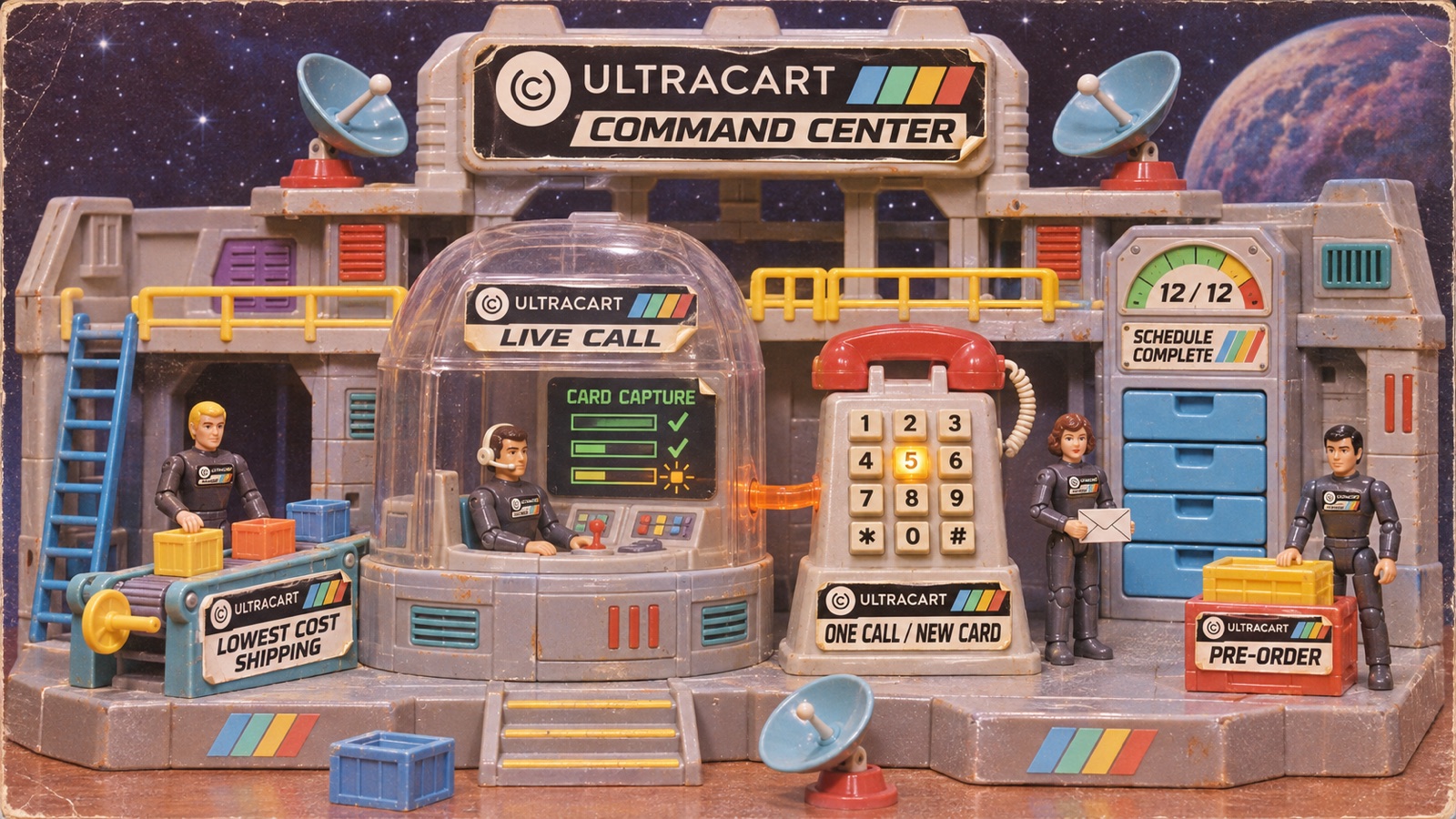


The UltraCart platform updates for October 2026 start with your phone team: during a live call, an agent can replace an auto order's card or take an order payment in Order Entry while the customer keys the card in on their phone. Attribution also gets more accurate, with new Awin affiliate tracking, GA4 and Tag Manager funnel_hostname settings for storefronts that share one checkout domain, and Iterable campaign credit from link parameters. You can also offer customers only the lowest cost shipping method at checkout and show pre-order status with a new Item Pre-Order element.
Integrations Updated in October 2026
Awin joins your affiliate options, Iterable credits campaigns more accurately, and Keap moved to its REST API. Your email and fulfillment connections also carry more of your data through and say clearly when something needs attention.
Abandoned and Return Carts
- Late email capture: A cart first abandoned without an email is processed in full once the shopper enters an email, so it reaches Iterable and your other email platforms.
- Abandon interval: When you save a marketing integration or the Abandon Interval page, your abandon interval is kept at least an hour longer than your return cart delay. The return email settings page asks you to correct the values instead. Return cart emails depend on that gap: with an equal or shorter interval, none are sent. If your interval isn't longer than your return cart delay, open and save your settings. See the Abandon Interval docs.
ActiveCampaign
- Outages and timeouts: Brief ActiveCampaign outages and timeouts are retried or noted in the integration log, so contact details don't silently drop.
- Order logging: When there is no Deep Data connection or customer, the integration log says the order was NOT sent and gives the reason. See the ActiveCampaign docs.
AWeber
- Blocked addresses: Addresses AWeber has blocked are logged as a warning in the integration log with AWeber's explanation, so it is clear why a customer isn't on your list. See the AWeber docs.
Awin
- Affiliate tracking: New Awin tracking uses your Awin Advertiser ID, API key and commission group settings. Mark the items Awin should report with Report to Awin: until at least one item is marked, no sale is reported. The receipt fires Awin's tag and fallback pixel, and orders with an Awin click are sent to Awin's Conversion API. The cart keeps the Awin click for 186 days and the last-click channel for 30. Auto order rebills aren't reported to Awin. See the Awin docs.
Constant Contact
- Contact updates: Names with emoji, control or replacement characters are cleaned before sending, so Constant Contact accepts the update.
- Reconnect notice: When Constant Contact refuses the connection (closed account or revoked token), the order log tells you to reconnect. See the Constant Contact docs.
Faire
- Availability: The Faire integration is available on every UltraCart account. See the Faire integration docs.
Fulfillment Integrations
- ShipMonk: Orders with accented or other non-English characters in the address are sent to ShipMonk correctly, so they don't stay behind in UltraCart. See the ShipMonk integration guide.
- ShippingEasy: Orders are accepted by ShippingEasy again, clearing the "can't be blank" rejection.
- ShipStation: UPS by Worldwide Express services map to their own shipping methods, tracking links work for ShipStation orders, and FedEx delivery dates land on the right day, which keeps 2 day options available for perishables. See the ShipStation integration docs.
Iterable
- Campaign attribution: Orders are credited to Iterable campaigns from link parameters (campaign and template ids, and Iterable's SMS UTMs) as well as Iterable's cookies, so attribution works when your link tracking domain differs from your store's. The newest click within 24 hours wins, and SMS campaigns now reach custom events too. See the Iterable events reference.
- Renewal events:
uc_autoorder_renewedis sent only for paid renewals, and a rebill declined into Accounts Receivable sendsuc_autoorder_payment_failed. If you have flows keyed on these events, check that they still fit. See the Iterable auto order events. - Send Profile With Events: A new opt-in setting updates the customer's name, address, phone and SMS opt-in before auto order, order update, refund and fulfillment events, so profiles created by those events aren't email only. See the profile fields docs.
Keap
- Manual payment types: Orders try the UltraCart payment method, then your mapped default, as the Keap manual payment type, and fail with a clear message if Keap has none of them.
- Product tags: Tags are applied before the order is created, so they still land if the order or payment fails.
- Resend: Resending an order replaces the Keap order with the current UltraCart order (contact, tags, items, shipping and payment).
- REST API: The integration moved from Keap's XML-RPC API, which retires March 15, 2027, to REST v2, with automatic OAuth token refresh. See the Keap integration docs.
Klaviyo
- Auto order syncs: Auto order property syncs use the correct item data for your account and skip email addresses Klaviyo rejects.
- Made-up domains: Emails with a made-up top level domain are not pushed to Klaviyo. See the Klaviyo docs.
Mailchimp
- API 3.0: Mailchimp API 3.0 is always used (Mailchimp shut down 2.0). Double opt-in subscribes as pending, and order and cart syncs send real names plus discount, tax and shipping totals. See the Mailchimp docs.
Zoho Desk
- Unknown callers: Calls and voicemails from unrecognized or blocked numbers are filed under a shared "UltraCart (Unknown Caller)" contact for a CSR to reassign, so they don't create a new contact each time or match an unrelated customer.
- Softphone calls: The ticket panel's Call button reaches an open UltraCart Softphone reliably (Zoho plugin v58), without timing out on "Open the UltraCart Softphone first." See the Zoho Desk docs.
StoreFronts
A new Item Pre-Order element shows status and ETA wherever an item is in context, the Store Locator picks up Google Routes directions with a numbered steps panel, and checkout fields work better with password managers and international phone numbers.
- Receipts: The currency conversion disclaimer reads as two sentences without a stray parenthesis, and orders with nothing to ship leave out "Shipping Method: (Residential)".
- Themes: Installing a theme reports its progress the way an upgrade does.
Visual Builder: Checkout
- Checkout Coupon Code: A new Apply On Blur setting. When set to No, a code is applied only with Enter or the Apply button, so password managers that fill the field don't submit it as a coupon. Password managers are also told to ignore the field.
- Checkout Email: A new Invalid Email Message setting for an address that is typed but malformed.
- Checkout Payment Method: Preselects only a method the list offers, and Credit Card when both defaults are No.
- Phone numbers: With the country picker on, local numbers are checked against the selected country, and cell and SMS numbers get the country's calling code.
- Pickup time: The chosen pickup time is saved to the cart, and a time the new date doesn't offer is cleared.
Visual Builder: Email Elements
- Email Item Set: Alignment set in the editor reaches the email, and the element's ancestor is hidden when none of its items resolve.
Visual Builder: Images
- Responsive images: Images download the size that fits the screen, including on a phone's first visit.
Visual Builder: Item Pre-Order
- Item Pre-Order: A new element shows an item's pre-order status and ETA wherever an item is in context, with separate messages for items with and without an ETA. When it is on the page, the cart-level pre-order message is left out. See how to set an item as pre-order with an ETA.
- Order Items: A new Show Pre-Order Status setting adds each line's pre-order note to receipts and order emails. It is off by default.
Visual Builder: Item Variations
- Add Item To Cart: Clicking without choosing a variation highlights the missing selections and shows "Please complete the highlighted fields."
- Savings badges: A sale option that isn't cheaper than the first option falls back to its own original or MSRP price, empty badges stay hidden, and the percentage is based on the price the shopper would otherwise pay.
Visual Builder: Store Locator
- Origin marker: Dragging the origin marker searches again from that point.
- Drive times and directions: These use the Google Routes API with a numbered steps panel, falling back to the older Google services when a key's project refuses Routes.
- Search results: Searches use the correct radius and list locations nearest first. Rows without driving data show straight-line miles.
- When Google is unavailable: If Google is unavailable or refuses the key, the list still appears in nearest-first order, and Get Directions offers an Open in Google Maps link. See the Store Locator docs.
Order Management
Your agents can replace an auto order's card during a live call, and your team gets an email when a rebill is skipped for a missing shipping address.
Auto Orders
- Agent assisted card replacement: During a live CRM call, an agent can replace an auto order's card from the Auto Order Editor while the customer keys it in on their phone (Twilio Pay through your own Stripe or Braintree Pay Connector). Open card problem tasks are resolved and the change is logged on the auto order. See the agent assisted payments docs.
- Missing shipping address: When a rebill is skipped because the auto order has no shipping address, users on your account who receive auto order notices get an email linking to the auto order so the address can be added.
Orders
- Batch order operations: Pasted order IDs separated by commas, semicolons or spaces are split correctly into separate IDs.
- Shipping tab: The actual shipping cost can be edited, and each change is audit logged.
Item Management
- Item option multimedia: Item option multimedia is enabled on every account.
- Variation matrix: Variations shown through the item variation matrix keep their volume discount schedules. See the volume discount docs.
Communications & Marketing
A new flow trigger lets you follow up when a scheduled subscription item ends, and segments and store credit emails report more accurately.
- Auto order item schedule complete trigger: A new flow trigger fires when an auto order item uses up its scheduled rebills (for example, a 12 month prescription that needs renewal). The email includes only the items that completed. See how to build the renewal flow.
- Segments: A rebuild that reports no counts doesn't leave your store stuck rebuilding, and a rule changed during a rebuild is rebuilt afterwards so your change is kept. See the Segments docs.
- Store credit: Emails triggered by an order show the store credit balance after that order, including expiring credit.
CRM
Calls take the lead this month, with agent assisted payments in Order Entry, a startup status for agents, and a Wrap-Up box that holds on to notes in progress.
Calls (PBX)
- Call History access: Supervisors see the calls they were on plus their queues' calls, and regular agents can open and finalize their own calls without a "Call record not found" message. See the Call History docs.
- Call History filter: Agent and Queue are multi-select dropdowns showing names and extensions.
- Startup status: A new per-agent setting (My Profile and the Agents settings editor) lets an agent start as Unavailable when the CRM loads, so queue calls don't arrive before they are ready. Reconnects still restore the previous status. See the agent management docs.
- Wrap-Up: If notes are typed when the countdown ends, the Wrap-Up box stays open until the agent finalizes it (or after 5 minutes idle), a banner shows "Wrap-up notes open" away from the Calls page, and ticket buttons read Attach/Detach after hang-up. Wrap-Up stays steady after Finalize, and opens correctly when the ringing line briefly drops as the agent answers. See the softphone docs.
Order Entry
- Agent assisted payments: During a call, an agent can take payment while the customer keys the card in on their phone. Captured cards are saved through your own Stripe or Braintree Twilio Pay Connector, and the option appears automatically when you have one configured. The capture panel shows which card field is being captured, marks captured fields, and gives friendly messages for Twilio errors. See the Order Entry payment methods.
AI Agents
- Knowledge Base files: Selecting several Knowledge Base files uploads every file you selected. See the Knowledge Base docs.
Workforce
- Force offline: Forcing an agent offline from the Workforce dashboard works and shows a confirmation, matching the Calls agent list.
Customer Data
- Birth Date import and export: Customer profile import maps a Birth Date column (BirthDate, Birthday, DateOfBirth and DOB headers are accepted) and export includes it. Signup Date import works now too. See the customer profile import tutorial.
Loyalty & Rewards
- Store credit preview: The checkout store credit earned preview uses the cashback rate, matching the amount credited. See the cashback loyalty docs.
Reporting & Analytics
Storefronts that share one checkout domain get credit for their orders, and product view reporting follows what shoppers actually see.
Conversion Tracking
- GA4 and Tag Manager
funnel_hostname: New opt-in settings send the host where the shopper started (since their last order) on every event, including purchase, rebill and refund events, so storefronts that share one checkout domain get credit for their orders. See the GA4 setup and the Tag Manager setup. - Google Analytics client id: When GA's cookies are missing on the checkout domain, the client id and GA4 session ids are recovered from the
_gllinker parameter. - Product view events: Item Form sends product views (GA4, Klaviyo, Retention, Converge, Pinterest, Attentive) only once the form is visible, so hidden upsell offers don't report views of items the shopper never saw.
Sessions
- Sessions and recordings: Sessions, customer sessions and screen recordings are saved before their hits expire when your abandon interval is over 24 hours.
Smart Attribution
- Affiliate network pixels: Pixels that share a name are offered once in the settings and report each touchpoint once.
- Per-platform overrides: Overrides (for example, CPA Closer at 100%) now apply to affiliate network pixels. See the Smart Attribution docs.
Shipping & Fulfillment
- FedEx web services notice: If you still rate through FedEx's legacy SOAP Web Services, you get a weekly email explaining how to upgrade to the FedEx REST integration. See the FedEx setup docs.
- Lowest cost shipping only: A new checkout option (Configuration > Checkout > Shipping > Checkout Options) offers customers only the single cheapest shipping method. Back end order entry and quotes still show every method. See the Checkout Options docs.
- Shipping Department: Banners show when USPS labels are ready for an EasyPost ScanForm or a ScanForm is ready to download, order action buttons appear once orders are selected, Void UPS Labels works and Void WWEX Labels is new, void dialogs skip labels that are unchecked, and ShipStation buttons are hidden when ShipStation isn't configured. The Export POWER and Amazon label buttons are retired. See the Shipping Department tool bar docs.
REST API & Webhooks
Developer-facing changes this month support the new Braintree settings and give you a fuller picture when order validation fails.
Configuration
- Rotating transaction gateways: Gateways gain a
gateway_configobject with the Braintree skip advanced fraud checking flags.
Order
- Order validation: Validation returns every error, not just the last one. See the Validate reference.
Payments
- AI decline analysis: If you run a single gateway with rotating gateway history collection turned on, you get decline analysis again, and Authorize.Net declines leave out the "Customer profile creation failed" note.
- Braintree advanced fraud checking: Each rotating transaction gateway using Braintree has two new settings to skip Braintree advanced fraud checking on initial transactions and on rebills. Both are off by default. See the Rotating Transaction Gateway docs.
October's UltraCart platform updates share a theme: the right information in the right place. Cards get replaced while the customer is on the line, orders are credited to the storefront, campaign and affiliate that earned them, and your checkout shows the shipping method and pre-order details you choose. View all platform updates to see what shipped in previous months.