

One-click post-purchase upsell basics
A one-click post-purchase upsell is an offer shown right after checkout. The customer's payment and shipping details are already on file, so accepting takes a single click on YES. Declining takes a single click on NO.
Because the sale is already made, the offer carries almost no friction. Nobody is deciding whether to buy anything at all. They are deciding whether to add one more thing to an order they are happy with.
That timing is also why it works for upsell, cross-sell, and downsell offers alike. A pre-checkout offer competes with the buyer's urge to finish paying. A post-purchase offer does not.
How post-checkout upsells work
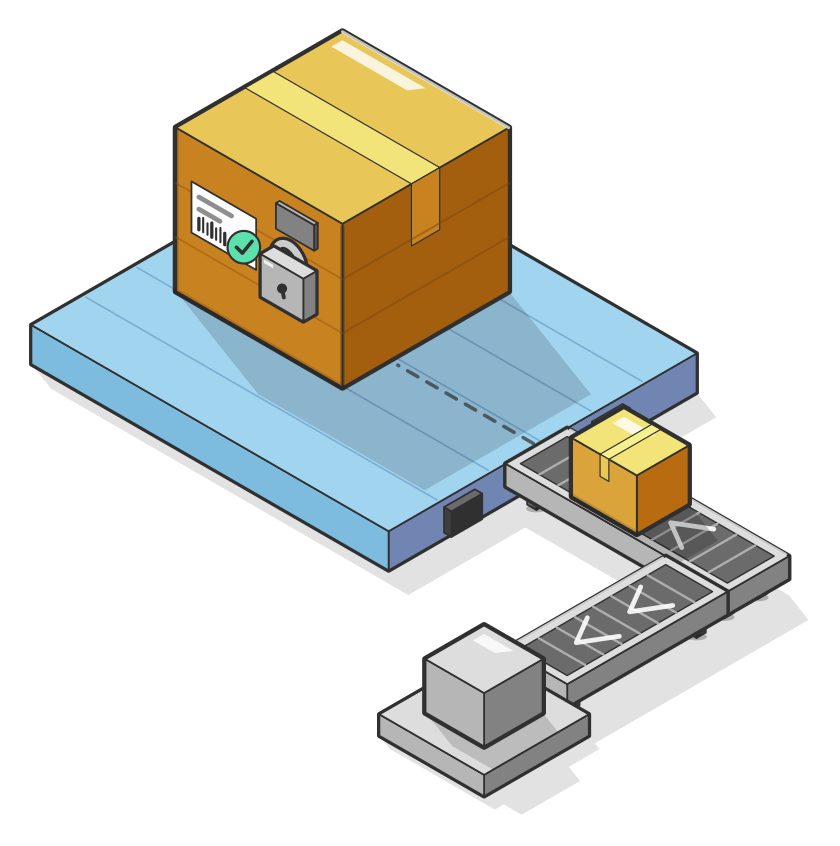
In UltraCart, post-checkout upsells are built into the platform, with no extra app to install. The order is finalized first. Only then does the customer see the YES or NO offer.
That order matters. As UltraCart's one-click upsell white paper puts it, whether a customer chooses yes, no, loses their internet connection, or walks away, you will not lose the already finalized order.
Offers are organized into paths, which are sequences of offers. Each path has a flow location, either Post Checkout (the default) or Pre Checkout as an upsell modal. You can cap how many offers a customer sees and decide whether the flow cascades to the next path or stops.
- Build the path: go to Content > Upsells in your StoreFront, add a path, and leave its flow location on Post Checkout.
- Add the offer: pick the item, set the price (including a different price by day of week if you want one), and design the YES and NO buttons in the visual editor.
- Set the rules: choose which carts trigger the offer and which are suppressed.
- Test it: turn on Test Orders Only and place an order with the test credit card before any customer sees the offer.
- Go live: set start and end dates if the offer is seasonal, clear Test Orders Only, and mark the offer Active.
The UltraCart upsell documentation covers each setting in detail.
Why upsells do not show
The short answer: on many platforms, the post-purchase offer page is skipped for any customer who did not pay with a plain credit card.
Wallets such as Apple Pay and Google Pay, buy-now-pay-later services, and gift cards commonly bypass the offer entirely. Some platforms also skip local delivery, very small orders, or digital-only carts, and some cap how many offers a customer can accept. The merchant often finds out only when the take rate looks low and the dashboard shows nothing wrong.
- Check your payment mix: if a third of your orders come through wallets, a third of your orders may never see an offer.
- Check the order types: subscription renewals, digital-only carts, and pickup orders are the usual exclusions.
- Ask for the exclusion list in writing: any platform that runs post-purchase offers should be able to tell you exactly when they will not display.
In UltraCart, payment method is a targeting rule you set, not a limit imposed on you. You decide which methods trigger or suppress an offer. Run a test order with each payment method you accept, and you will see exactly what your customers see.
Targeting, downsells, and tests
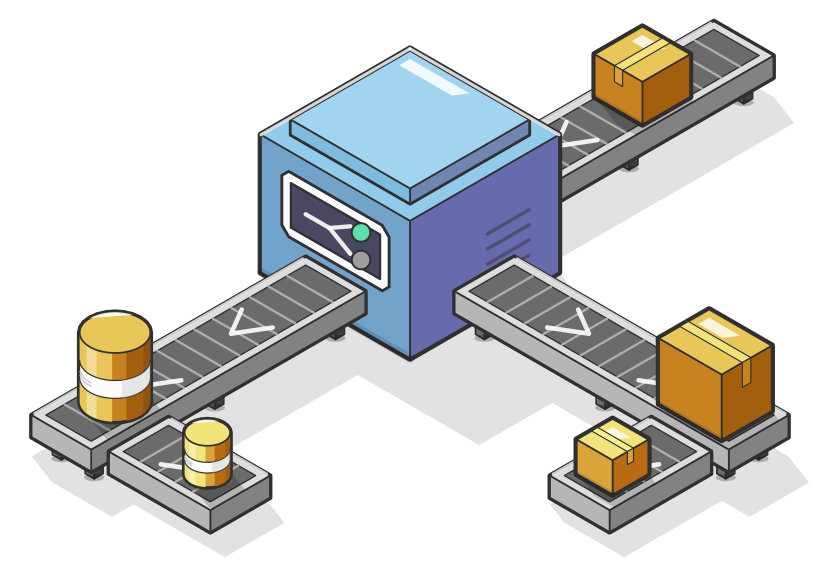
A good offer is relevant to what was just bought. UltraCart lets you trigger or suppress an offer by item ID, order or customer tag, first-time buyer, payment method, shipping method, country, and loyalty tier. Item conditions can require all items (AND) or any item (OR).
When a customer clicks NO, you do not have to let the conversation end. A downsell is a smaller or cheaper follow-up offer that appears on the decline. Any offer in a path can carry a downsell, so a NO on the three-month supply can lead to a one-month refill instead.
To find out which version earns more, run an A/B test. Upsells have their own experiment system: split traffic across variant offers, then promote the winner and the losing variant is removed.
Post-purchase upsell examples
The best offers feel like a natural extension of the order. These patterns come straight from how the settings work:
- Bigger supply: a customer buys a one-month supply. Offer a three-month upgrade, and turn on Remove Trigger Item so the new item replaces the original instead of stacking on the order.
- Subscribe and save: a customer buys a consumable once. Offer the recurring version at an introductory price. Subscriptions are built into UltraCart, so the auto order is part of the same platform as the offer. For more on that approach, read Subscription Commerce Without the Plugin Tax.
- Accessory add-on: a customer buys the main product. Offer the cable, case, or refill that goes with it, and use the Free Shipping setting so the add-on ships at no extra cost.
- Time-boxed offer: set start and end dates for a seasonal bundle, or price it differently on certain days of the week.
Measuring what it earns
Published take rates for post-purchase offers range from low single digits to over 30 percent, and nearly all of them come from vendors selling something. Treat them as marketing, not benchmarks.
UltraCart reports on your own numbers instead. Each offer shows views, conversion percentage, transactions, revenue, and per-sale revenue, plus abandons and declines. Average visitor profit is available too once cost of goods is set on your items.
Abandons and refunds are tracked automatically, so the revenue you see reflects what you kept rather than what was first accepted. Review it after a couple of weeks of traffic, then adjust the price, the item, or the position in the path.
Upsell FAQ
Does a post-purchase upsell put the original order at risk?
Not in UltraCart. The order is finalized before the offer is shown, so a declined, abandoned, or interrupted offer never affects it.
Do I need an app for post-purchase upsells?
No. Upsells, cross-sells, and downsells are part of the core platform, as listed on UltraCart pricing. The same path builder also runs pre-checkout upsells as a modal before payment.
How long should I test an offer?
Plan on at least one to two weeks, and wait until the result reaches 95 to 99 percent statistical significance before you promote a winner.
Can I host the offer on my own site?
Yes. A Post Checkout offer can live on an external page. UltraCart generates the Offsite Confirm Yes and Offsite Confirm No URLs for its buttons.
Ready to see it on your own store? Open Content > Upsells in your StoreFront and build your first Post Checkout path, then browse more UltraCart resource articles for ideas on what to offer.